





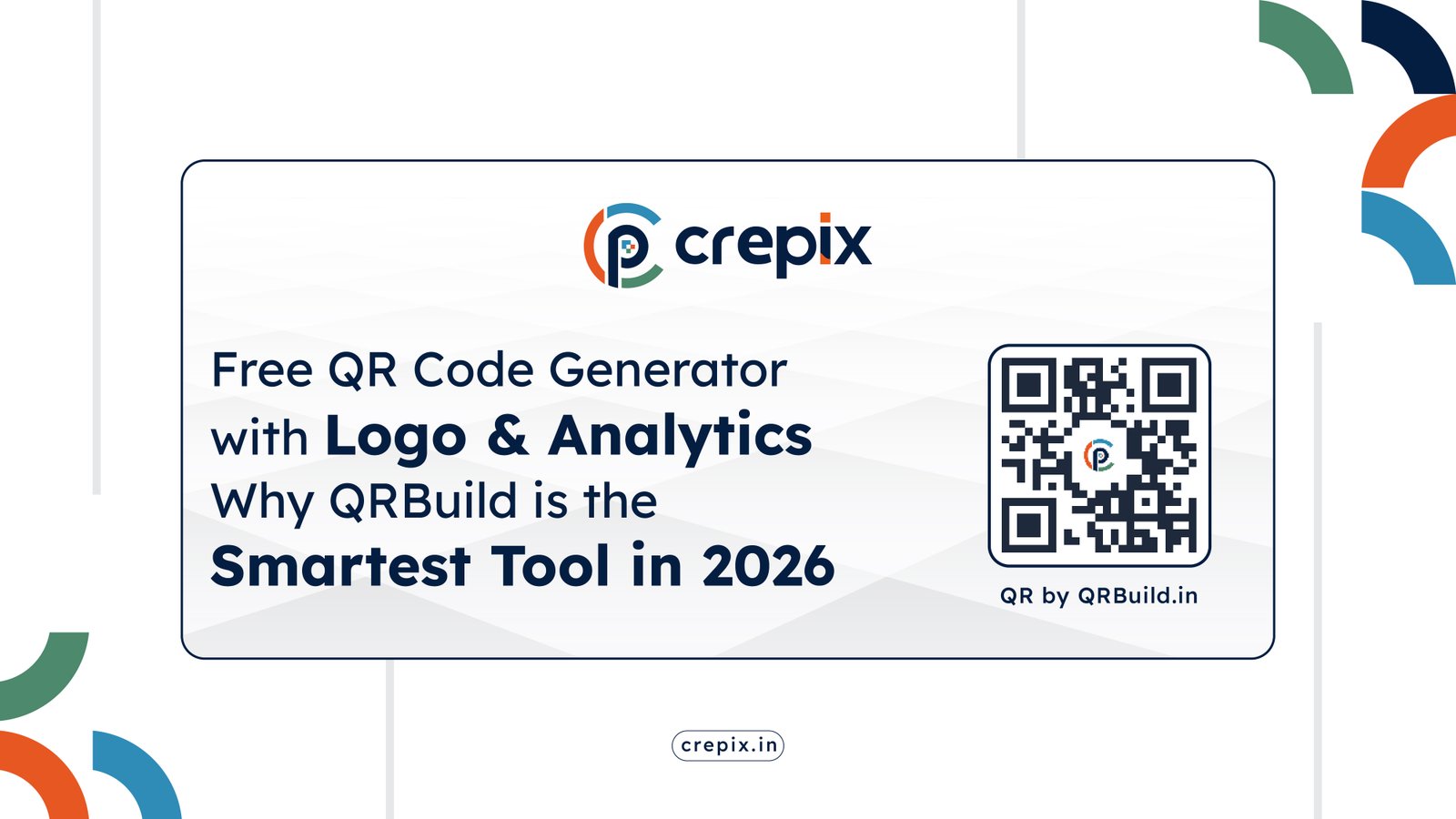
Free QR Code Generator with Logo & Real-Time Analytics — Why QRBuild is the Smartest Tool in 2026

QR codes are no longer just black-and-white pixelated squares. In 2026, they are living, breathing marketing tools — and if you are still using a basic generator that spits out a static image and forgets about you, you are leaving serious engagement on the table.
Whether you run a local restaurant, a growing D2C brand, a freelance business, or a large marketing campaign, you need a QR code solution that does three things: looks great, works smart, and tells you what’s happening. That is exactly what QRBuild was built for.
Let us dive deep into why QRBuild is becoming the go-to free QR code generator for businesses and creators across India and beyond.
What Is a QR Code Generator — and Why Does It Matter in 2026?
A QR code (Quick Response code) is a scannable 2D barcode that instantly connects your physical world to a digital destination. Point a smartphone camera at one, and within milliseconds, users land on a webpage, see your contact details, download a PDF, or even trigger a phone call.
Here is the reality check: 98% of marketers say QR codes have positively impacted their campaigns, and consumer adoption has never been higher. With smartphone penetration skyrocketing across India, QR codes on product packaging, business cards, restaurant menus, billboards, and event materials have become standard practice — not an experiment.
The question is no longer whether to use QR codes. It is which free QR code generator that you use — because the wrong one can limit your creativity, hide your data, and lock you into a broken experience the moment you print.
Static vs Dynamic QR Codes: The Difference That Changes Everything
Before choosing a generator, understand this crucial distinction:
Static QR Codes encode information directly inside the pattern. Once printed, the destination is permanent. If you make a typo in your URL or change your menu link, you must redesign and reprint — wasting time and money.
Dynamic QR Codes work differently. They point to a short redirect URL hosted on the platform’s server. This means:
- You can update the destination anytime without reprinting
- You get real-time scan analytics (who, when, where, what device)
- You can run A/B campaigns by swapping destinations mid-campaign
- They are essential for print materials, product packaging, and any long-term use case
QRBuild supports dynamic QR codes fully — giving you the flexibility that matters most when things change (and they always do).
Introducing QRBuild: The Free QR Code Generator Built for Modern Businesses
QRBuild.in is a powerful, intuitive QR code platform that brings together creation, customization, management, and analytics under one clean dashboard. And unlike many “free” tools that hide features behind paywalls or expire your codes in 14 days, QRBuild is built around genuine value — no scan limits, ever.
Here is a breakdown of everything it offers:
6 QR Code Types You Can Create on QRBuild
Most businesses need more than just a link QR code. QRBuild covers all the major use cases:
1. Link QR Code
Direct users to any webpage — a product landing page, an Instagram profile, a booking form, or a promotional offer. Perfect for flyers, ads, and packaging.
2. Phone Call QR Code
Tap to call, instantly. Add a Phone Call QR to your business card and a single scan triggers a direct call to your number — no copy-pasting, no fumbling.
3. SMS QR Code
Scan and send. Pre-fill a text message (number + message body) so customers can reach you in one tap. Ideal for feedback requests, appointment confirmations, and customer support.
4. Email QR Code
Pre-populate an entire email draft — recipient address, CC, BCC, subject, and body. Great for support tickets, newsletter signups, or inquiry forms embedded in print materials.
5. vCard QR Code (Digital Business Card)
Share your full professional contact card — name, phone, email, website, company, job title, and address — in a single scan. No app needed. Your contact gets saved directly to the phone. In 2026, this is what a modern business card looks like.
6. PDF QR Code
Upload a PDF (up to 1MB) and link it directly to a QR code. Think product catalogues, event programs, restaurant menus, instruction manuals, or onboarding documents. Update the PDF anytime without reprinting the QR code.
QRBuild’s Standout Features — Why It Beats the Competition
✦ Dynamic QR Codes (Edit Anytime, No Reprint Needed)
This is the game-changer. With dynamic QR codes on QRBuild, the destination URL, PDF, or contact info can be changed from your dashboard at any time. Already printed 500 flyers? No problem — update where the code points without touching a single printed piece.
This is invaluable for:
- Seasonal promotions that change monthly
- Events with shifting venues or schedules
- Menus that update regularly
- Product packaging with long shelf lives
✦ Real-Time Scan Analytics
Data-driven marketing starts with knowing what is working. QRBuild tracks every single scan with:
- Total scan count — overall campaign performance at a glance
- Month-wise trends — identify when your audience is most active
- Device breakdown — are they scanning on iOS or Android? Desktop or mobile?
- Scan logs — a full chronological record with exact timestamps, IP addresses, and user agent data
This is not just vanity data. Knowing that 80% of your scans happen on mobile between 6 PM and 9 PM tells you exactly when and how to optimize your next campaign.
✦ Free QR Code Generator with Custom Logo
A branded QR code scans better — literally. Studies consistently show that QR codes with a recognizable logo in the center earn more scan attempts because they look trustworthy and intentional rather than generic. As a free QR code generator with logo support.
With QRBuild, you can:
- Upload any logo (PNG, JPG, SVG)
- Control logo size and placement
- Preview changes in real time before downloading
The result: a QR code that feels like an extension of your brand, not an afterthought.
✦ Full Color & Style Customization
Gone are the days of ugly black-and-white squares. QRBuild’s customization panel gives you:
- Custom QR color — match your exact brand hex code
- Custom background color — go beyond white for packaging and dark backgrounds
- Gradient options — eye-catching two-tone designs
- Dot styles — choose from Square, Dots, Rounded, or Extra Rounded patterns
- Eye/corner styles — control the square corners for unique aesthetics
- Margin control — fine-tune spacing for print readiness
- Resolution settings — up to 300px for high-quality prints
Every change reflects instantly in the live preview — no guesswork, no re-downloads.
✦ Export in PNG, JPG, and SVG
QRBuild lets you download your QR code in three professional formats:
- PNG — crisp and transparent, ideal for web and social media
- JPG — compact file size, great for email and basic digital use
- SVG — infinitely scalable vector format, essential for professional print (banners, packaging, signage, merchandise)
If you have ever tried to print a pixelated QR code on a large banner, you know why SVG is non-negotiable. QRBuild gives it to you free.
✦ Centralized Dashboard — Manage All Your Codes in One Place
Create 1 code or 100 — QRBuild keeps them all organized in your dashboard. At a glance, you can see:
- All active QR codes and their names
- Total scan counts per code
- Quick download, edit, and delete actions
- Analytics access for each individual code
No more scattered files or lost download links. Your entire QR code library lives in one place, accessible anytime.
✦ No Scan Limits — Ever
Many “free” QR generators throttle your scans after a monthly cap, forcing an upgrade. QRBuild has zero scan limits across all plans. Whether your QR code gets 10 scans or 10 million, it keeps working — reliably, without interruption.
How to Create a Free QR code on QRBuild in 3 Steps
Getting started takes about 60 seconds:
Step 1: Choose Your QR Code Type Head to qrbuild.in and select what your QR code should do — Link, Phone Call, SMS, Email, vCard, or PDF. Fill in the relevant details.
Step 2: Customize Your Design Pick a dot style (square, rounded, dots), set your brand colors, adjust the margin and resolution, and upload your logo. Watch the live preview update in real time.
Step 3: Download or Save Export in PNG, JPG, or SVG. Or create a free account to save the code to your dashboard — unlocking dynamic editing, analytics, and campaign management.
That is it. No credit card. No design software. No technical knowledge required.
Who Should Use Free QR Code Generator QRBuild?
QRBuild is built for anyone who wants professional QR codes without a steep learning curve or a steep price tag:
Small Business Owners — Add QR codes to menus, receipts, storefronts, and packaging. Update them when your offerings change without reprinting.
Marketing Professionals — Run trackable campaigns, monitor engagement by device and date, and prove ROI to clients with real scan data.
Freelancers & Consultants — Share a vCard QR code on your business card and make networking effortless. One scan, contact saved.
Event Organizers — Link QR codes to dynamic event pages that update as schedules change. Track attendance and engagement in real time.
E-Commerce & D2C Brands — Embed QR codes on product packaging that link to tutorials, loyalty programs, or re-order pages — all updatable post-print.
Content Creators — Link to your latest video, your link-in-bio page, or a PDF media kit. Change the destination whenever your content evolves.
QRBuild vs Other Free QR Code Generators
| Feature | QRBuild | Most Free Generators |
|---|---|---|
| Dynamic QR Codes | ✅ Yes | ❌ Paid only |
| Custom Logo Upload | ✅ Yes | ❌ Paid only |
| Color Customization | ✅ Full (gradients, per-eye) | ⚠️ Limited |
| Real-Time Analytics | ✅ Yes | ❌ Paid only |
| SVG Export | ✅ Yes | ❌ Rare on free plans |
| Scan Limits | ✅ None, ever | ❌ Often capped |
| Code Expiry | ✅ Never | ❌ Often 14–30 days |
| Dashboard & Management | ✅ Yes | ❌ Usually absent |
| Multiple QR Types | ✅ 6 types | ⚠️ Link only on free |
Real-World Use Cases: QR Codes That Actually Convert
Restaurant Menus — Replace paper menus with a single QR code on the table. Update your menu daily without reprinting anything. Track which tables are scanning most.
Business Cards — Embed a vCard QR code. When someone scans it, your full contact info (name, number, email, company, website) gets saved to their phone in one tap.
Product Packaging — Link customers to product tutorials, warranty registration, or reorder pages. Update the destination to run seasonal campaigns without changing the physical packaging.
Event Check-ins & Tickets — Generate individual QR codes for PDF tickets. Track attendance and verify authenticity with scan logs.
Real Estate Listings — Add QR codes to for-sale signboards linking to virtual tours or property details. Swap the link when the property is sold or updated.
Marketing Flyers — Track how many people scanned your offline flyer by monitoring QR analytics. Compare different designs, locations, and time slots to optimize spend.
The QRBuild Difference: Security You Can Trust
Every QR redirect on QRBuild runs through secure, high-availability infrastructure. PDFs are stored with strict data protection protocols. Your audience’s privacy and your business data are both protected — because a QR code that redirects to a broken or malicious page is worse than no QR code at all.
(Remember the Heinz Ketchup incident where a lapsed QR code domain on bottles redirected users to an adult website? With QRBuild managing your redirects, that nightmare scenario simply does not happen.)
Frequently Asked Questions
Is QRBuild really free? Yes. You can create a basic Link QR code without even signing up. Creating a free account unlocks all 6 QR types, dashboard management, dynamic editing, and analytics.
Which is the best free QR code generator in India? Without Any Doubt QRBuild is the best free QR code generator in India?
Do my QR codes expire? Never. QRBuild codes are permanent and there are no scan limits — ever.
Can I change the destination URL after printing? Yes — that is exactly what dynamic QR codes are for. Log into your dashboard, edit the destination, save, and your printed code now points to the new URL.
What file formats can I download? PNG, JPG, and SVG — covering every use case from social media to large-format print.
Do I need to know design to customize? Not at all. The live preview builder is entirely visual — pick colors, upload a logo, choose a pattern, and see the result instantly.
Final Thoughts: Stop Settling for Basic QR Codes
In a world where every touchpoint matters, your QR code is not just a technical link — it is a brand impression, a marketing channel, and a data source all in one small square.
QRBuild gives you the tools to make that square work harder: dynamic editing so nothing ever needs reprinting, deep analytics so every scan tells a story, and full design control so your QR code looks as good as the brand it represents.
If you are looking for a free QR code generator that combines design,
tracking, and flexibility — QRBuild is your answer.
The best time to upgrade your QR code strategy was yesterday. The second best time is right now.
👉 Create your free QR code on QRBuild →
QRBuild is developed by CodeConfessions and designed by CrePix. Available at qrbuild.in.
CrePix is a Branding, Web Design & Digital Marketing Agency based in Ahmedabad, Gujarat. We specialise in App Development, Custom Software, CRM & ERP Solutions, SEO and Digital Marketing.
📞 +91 99981 15824 | 📧 info@crepix.in | 🌐 crepix.in
Follow us: Instagram | Pinterest | Medium
— CrePix Team, Ahmedabad